Find quick answers to the most commonly asked questions:
How do I access my courses immediately after enrollment?
Step 1: Confirmation
- After registering, you will see a Confirmation Page with:
-
- A breakdown of your enrollment.
- A link to access your course immediately on Brightspace.
- You will also receive a confirmation email with:
-
- Login details.
- Instructions for accessing your course.
Step 2: Access Your Course
- Click the link on the confirmation page or in the email.
- You will be redirected to Brightspace, where:
- Your enrolled course will be visible.
- You can start learning right away.
How do I access my courses?
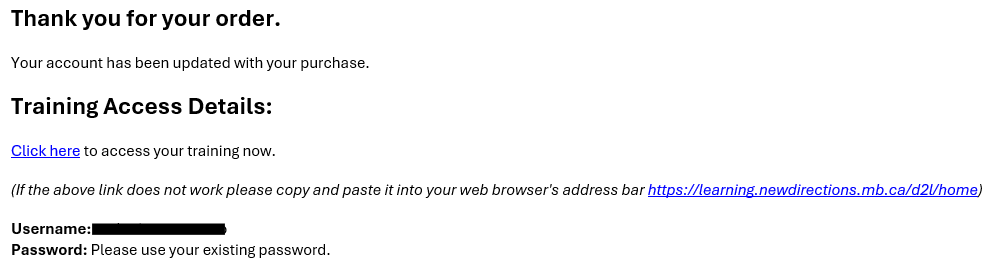
Go to your confirmation email and follow the login details:
 OR
OR
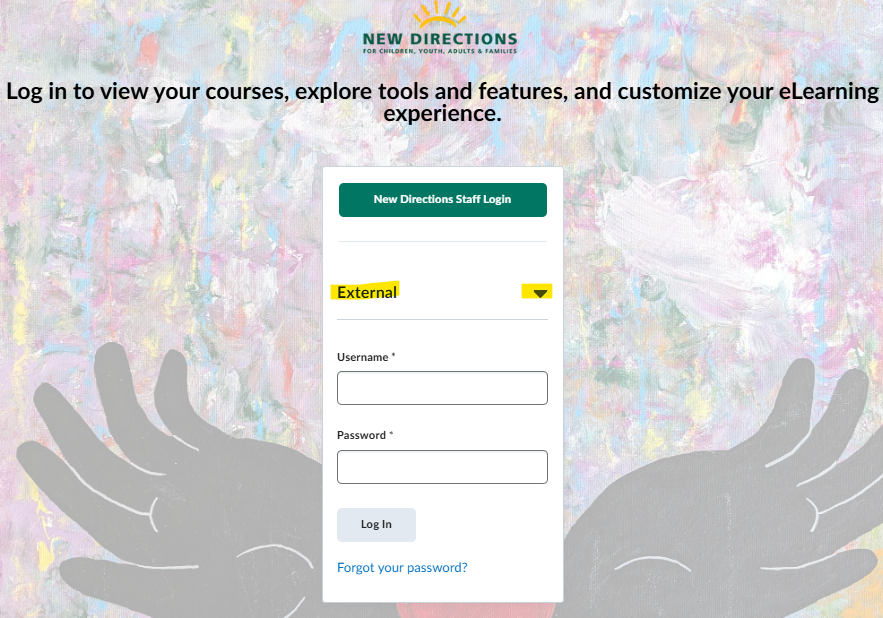
Go to Insight and click the drop down arrow beside 'External' to make the login fields appear. Fill in your username and password and click 'log in'. Note*only New Directions staff can successfully login via the 'New Directions Staff Login' button. Any non-New Directions emails/staff will be met with an 'error'.